FirstLight
FirstLight
The Power is in the Primaries
Access essential log conversion and color primaries adjustments right from the Edit page in DaVinci Resolve.
Quickly transform log footage to display color space
Perform high quality primaries adjustments without leaving the Edit page
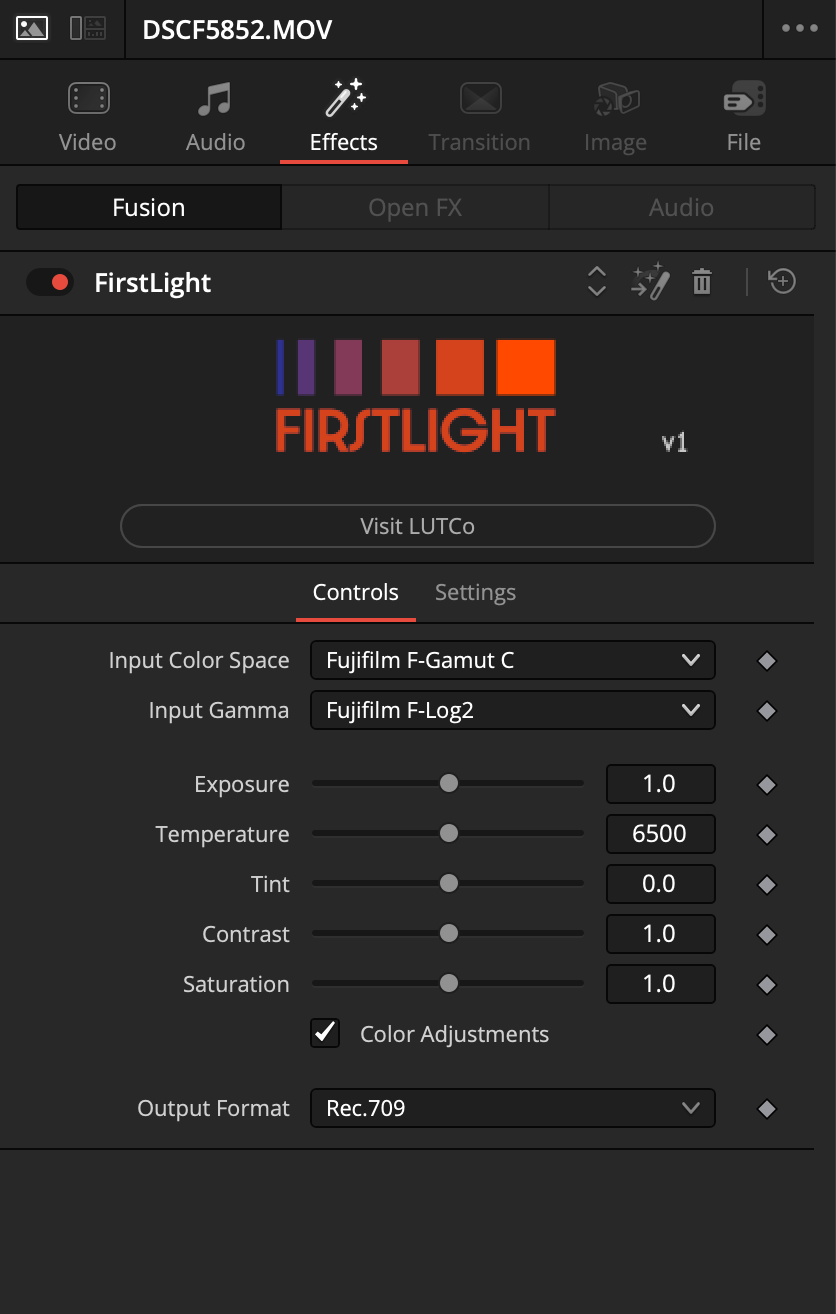
Exposure, Temp, Tint, Contrast and Saturation adjustments processed within DWG
One-click output to preset display spaces like Rec.709 or HDR
Grouped .drfx file accessible in Fusion for advanced customization
PACK CONTAINS
1 DaVinci Resolve .drfx file
1 QuickStart Guide .pdf
COMPATIBILITY
Works On
Mac and PC
Editing Apps
DaVinci Resolve 21

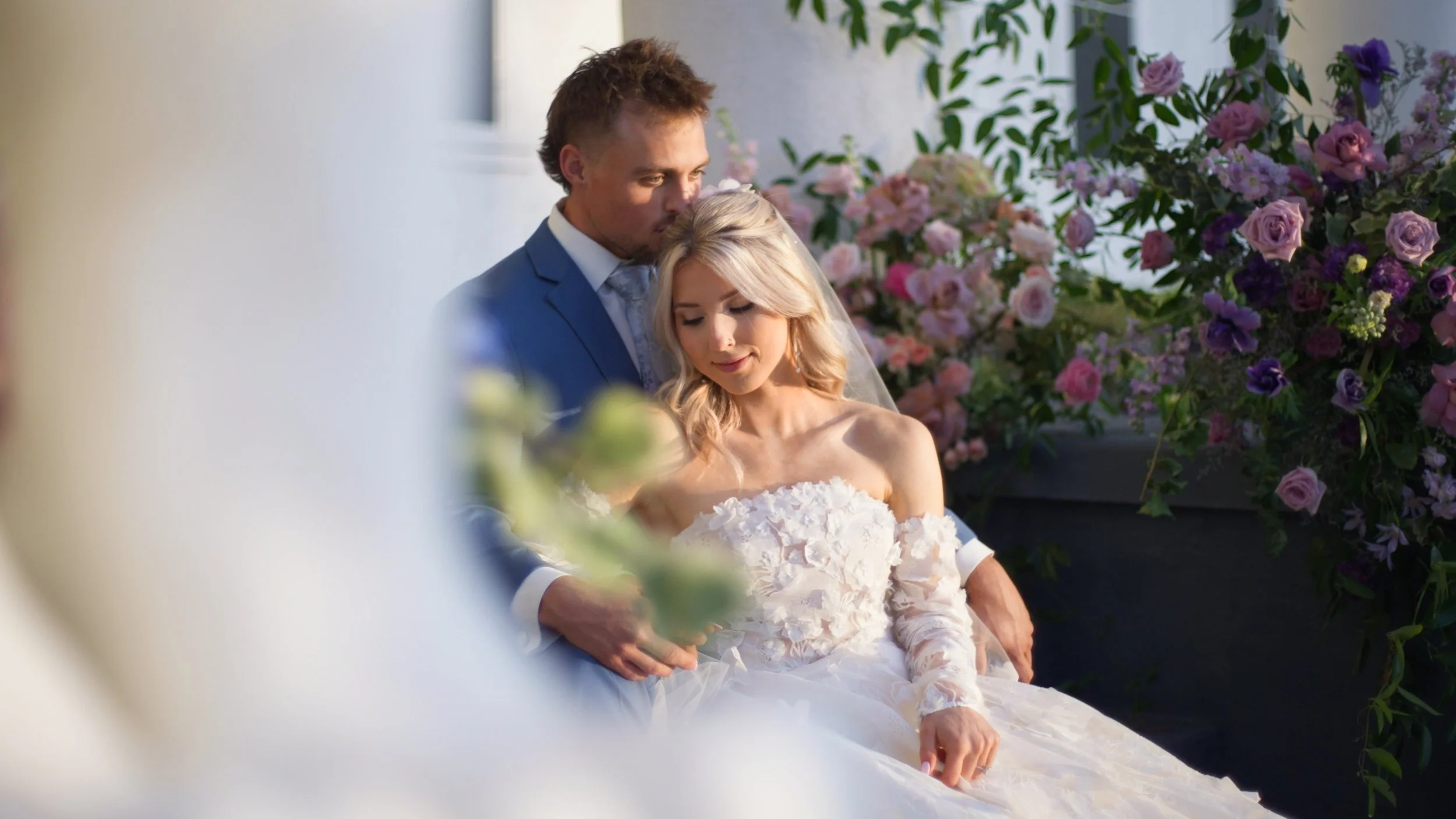
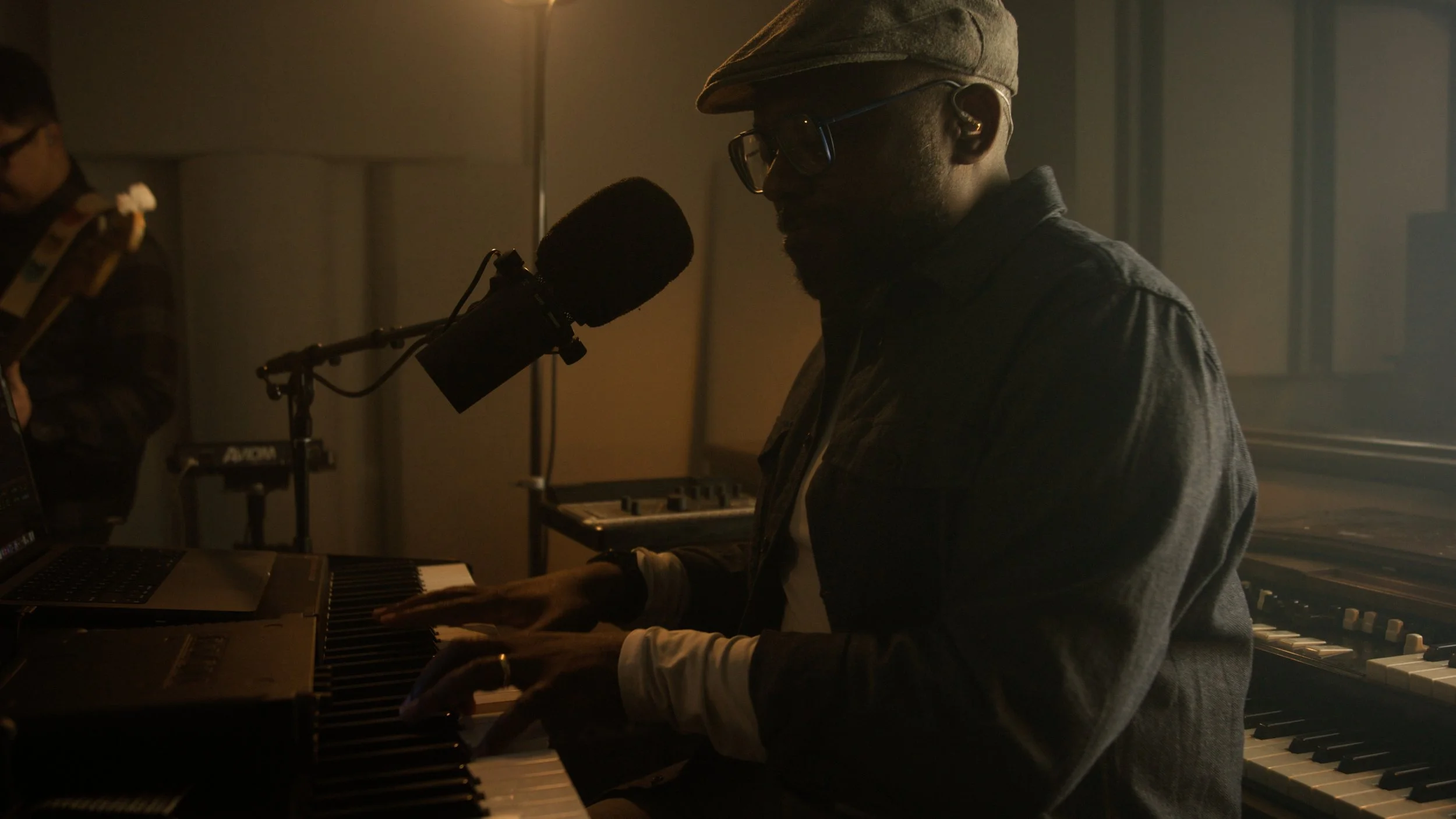
Finally, the ability to convert log footage and perform basic adjustments without ever leaving the edit page. All for free.
DaVinci Resolve includes some of the world’s best tools for color grading, but most of them are only accessible by opening up the color page. Node structures can be intimidating and time consuming, especially when the main focus is trying to put an edit together. FirstLight bridges that gap and brings the most essential tools in an easy to use but technically robust Fusion effect.
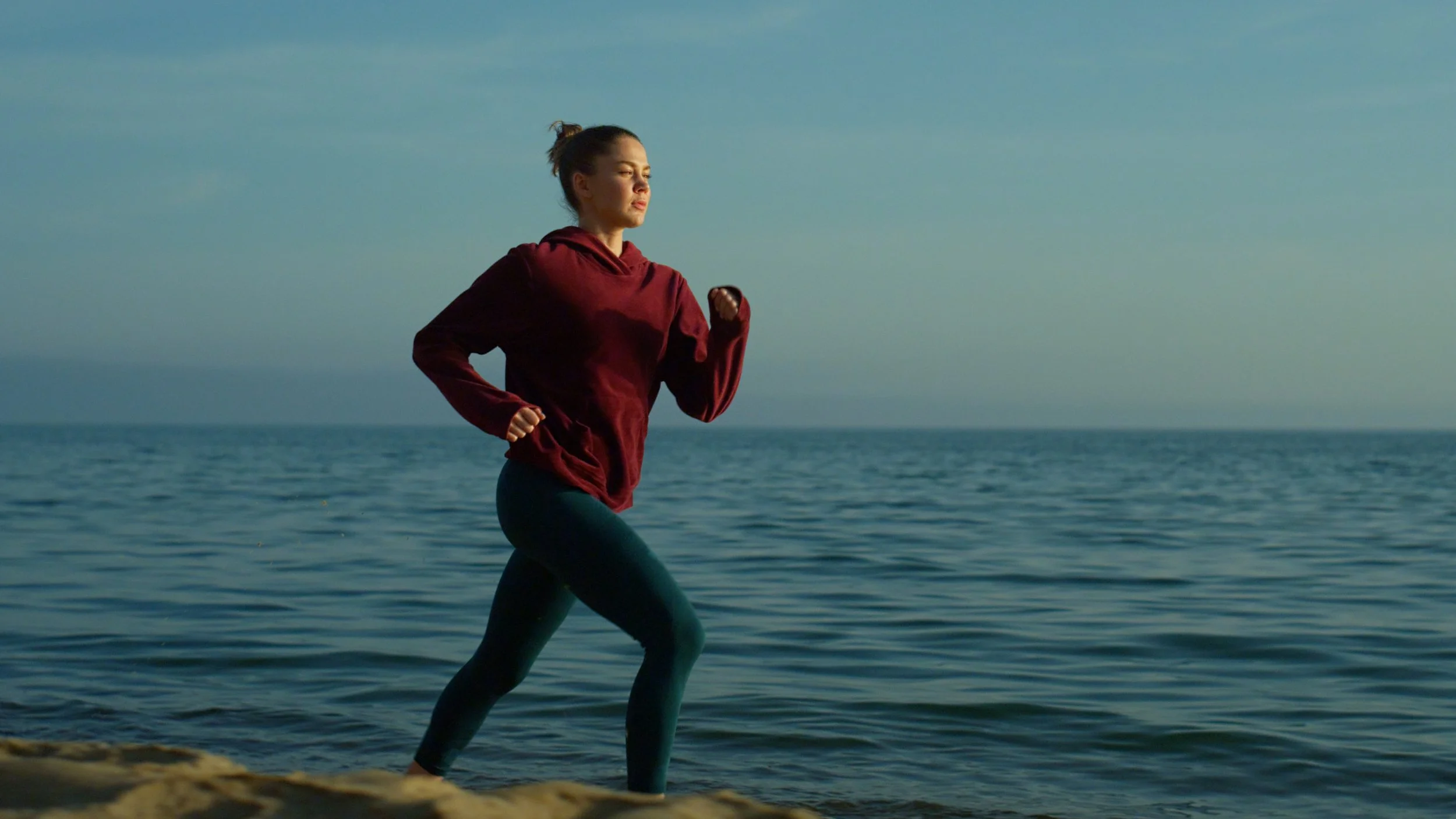
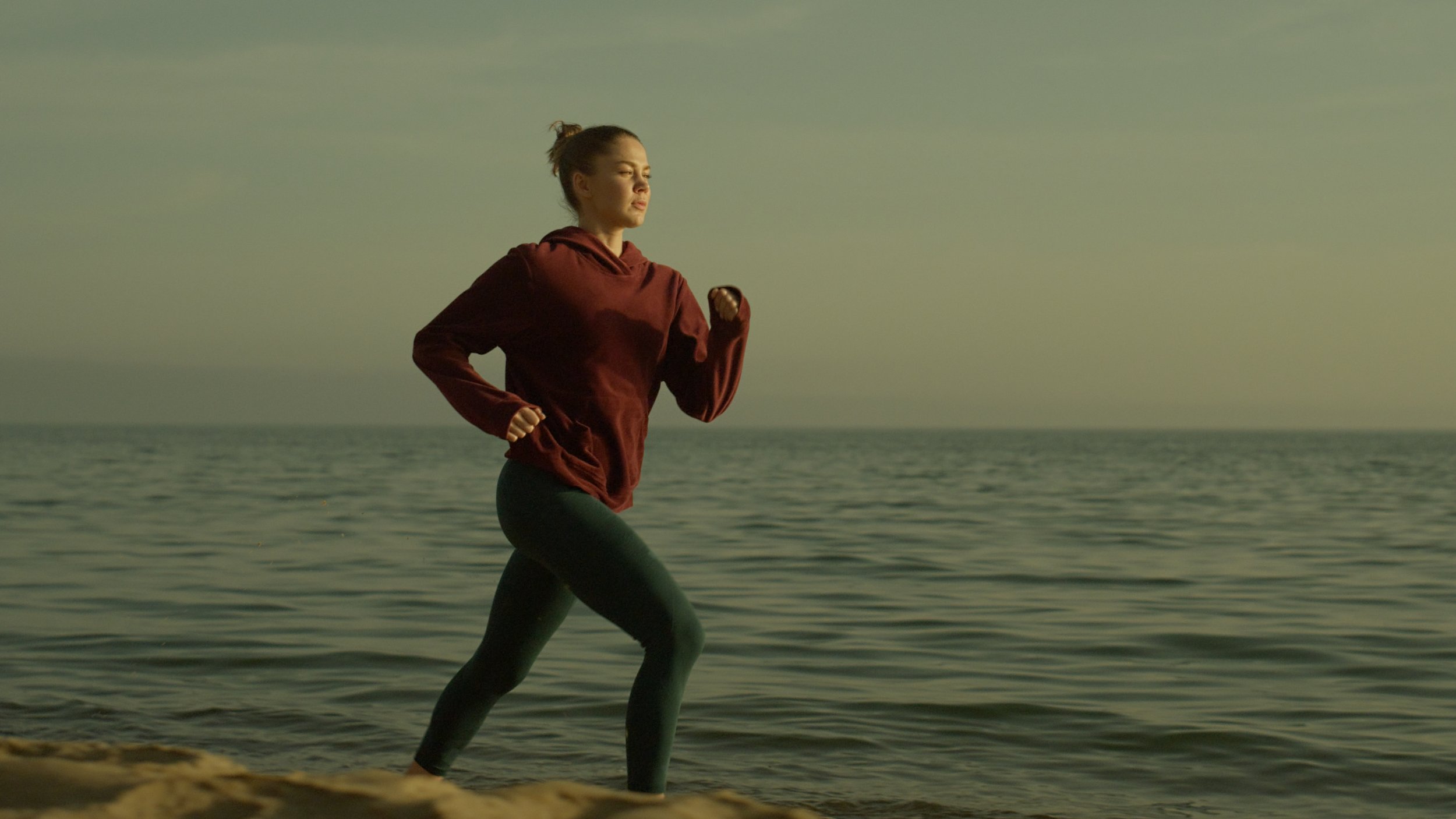
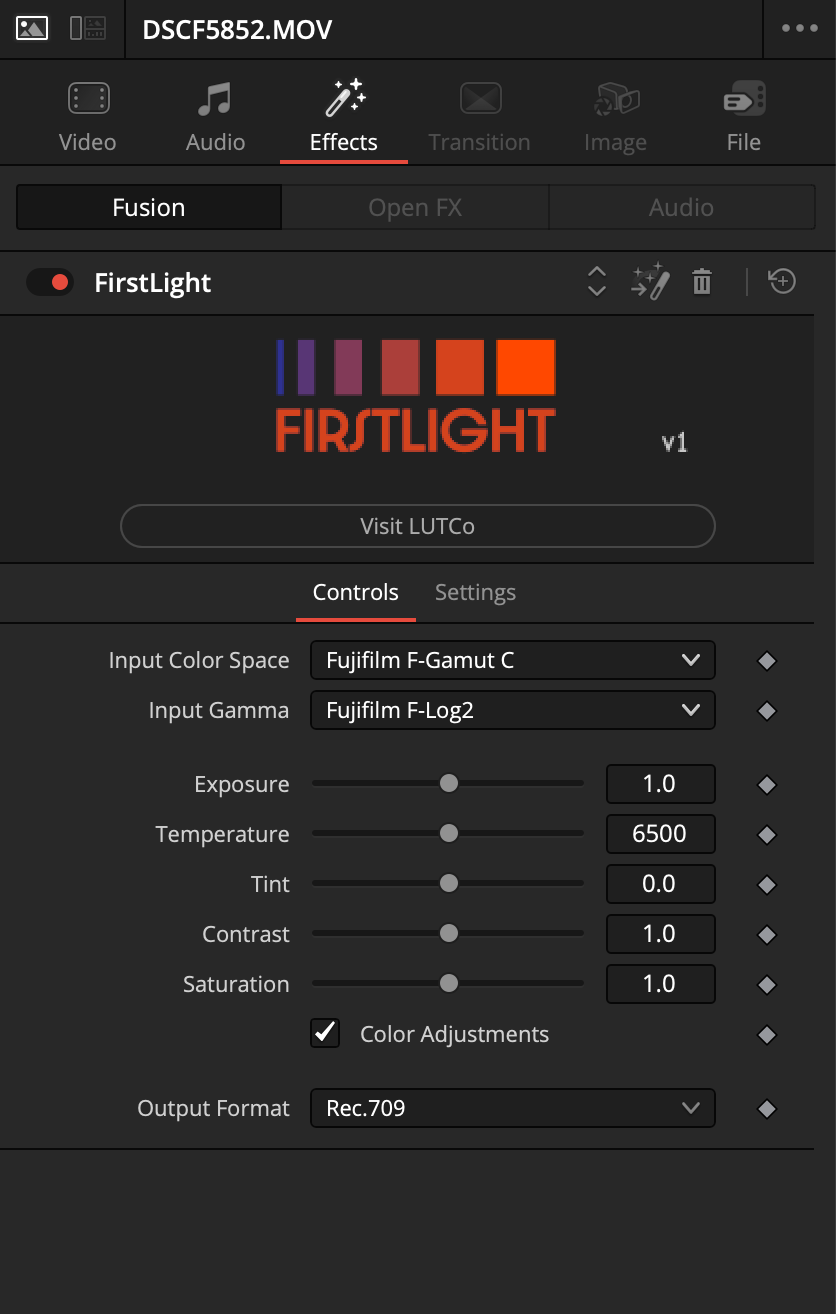
Simply drag FirstLight from the Effects browser onto either your clip or an adjustment layer and set the corresponding input color space and gamma. If required, you can make some quick fixes to exposure, white balance, contrast and saturation, or leave it for later.
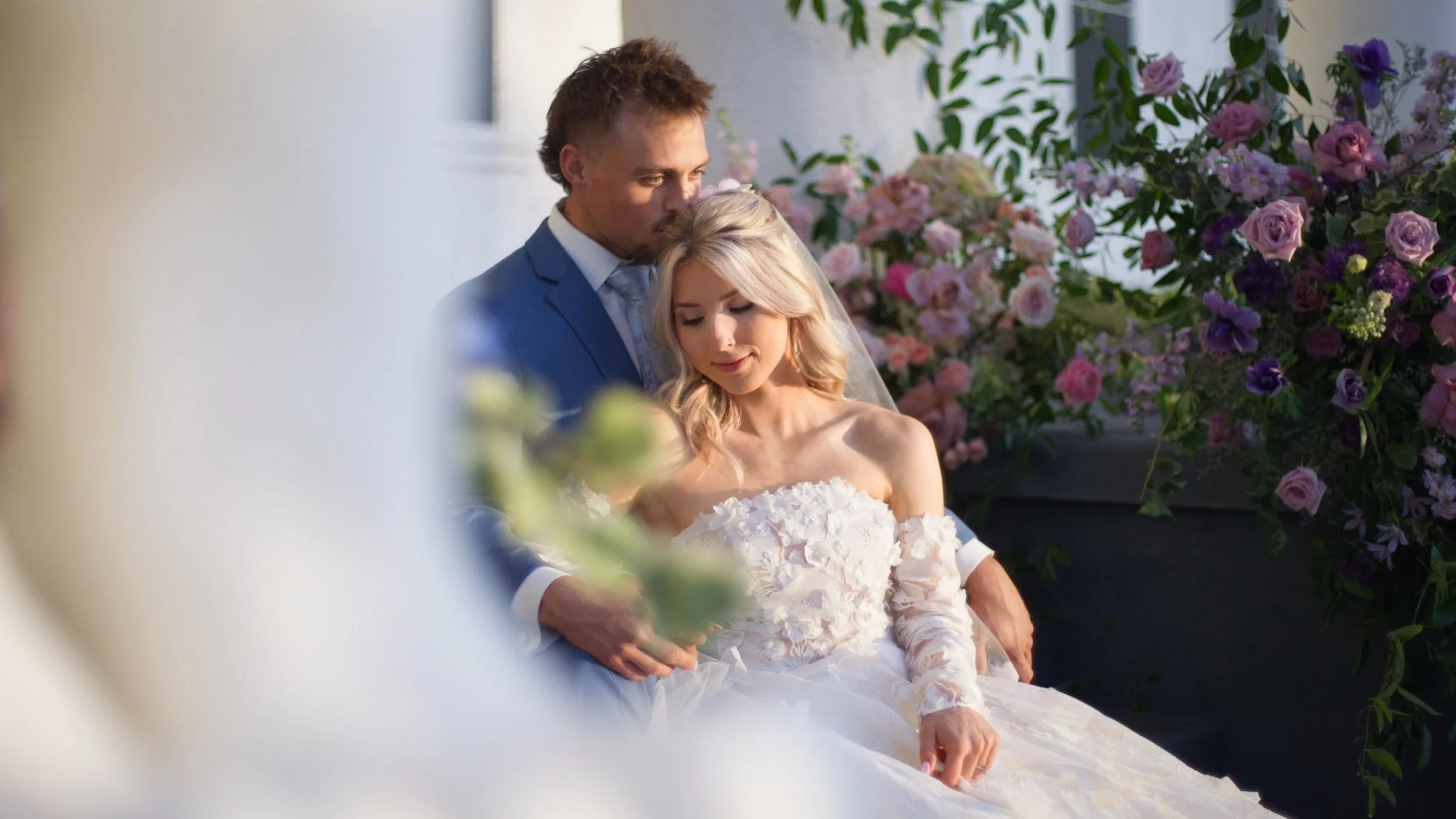
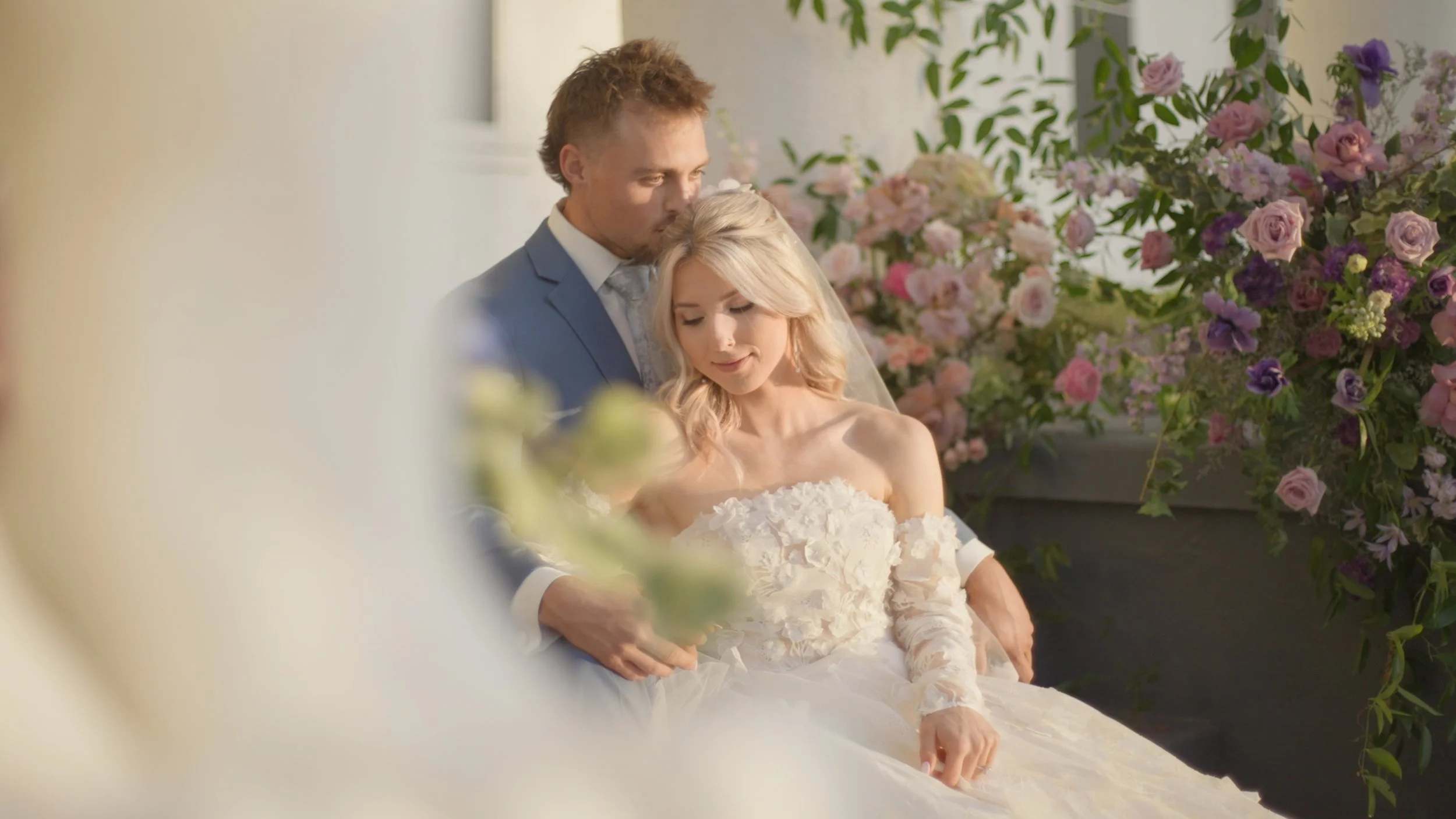
Color adjustments check box toggles only the primaries so you can preview without affecting the log to display conversion.
Choose from 5 different output formats including Rec.709 (Scene), Rec.709-A, Rec.709 Gamma 2.2, HDR HLG and HDR PQ.
Simple Workflow
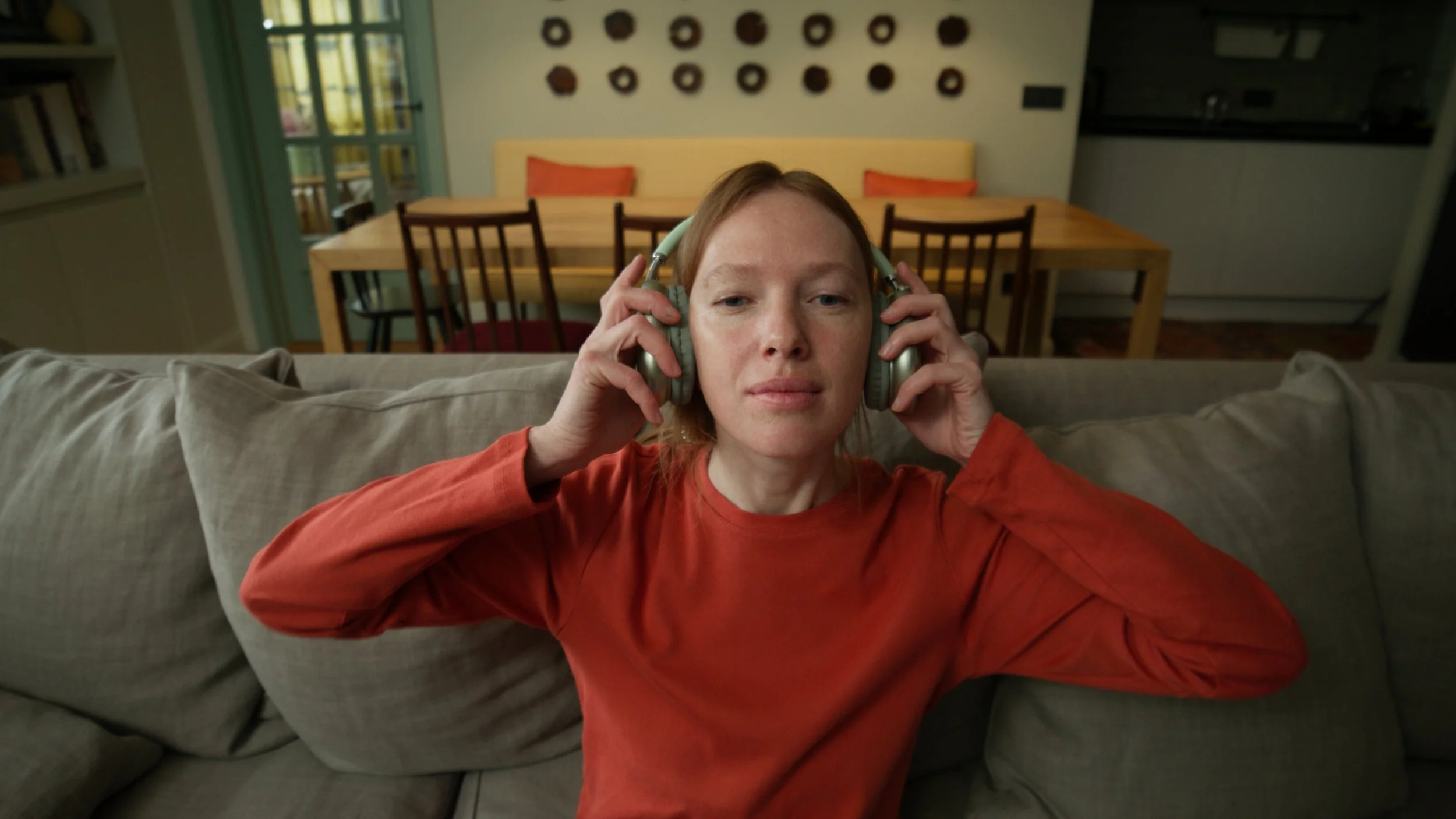
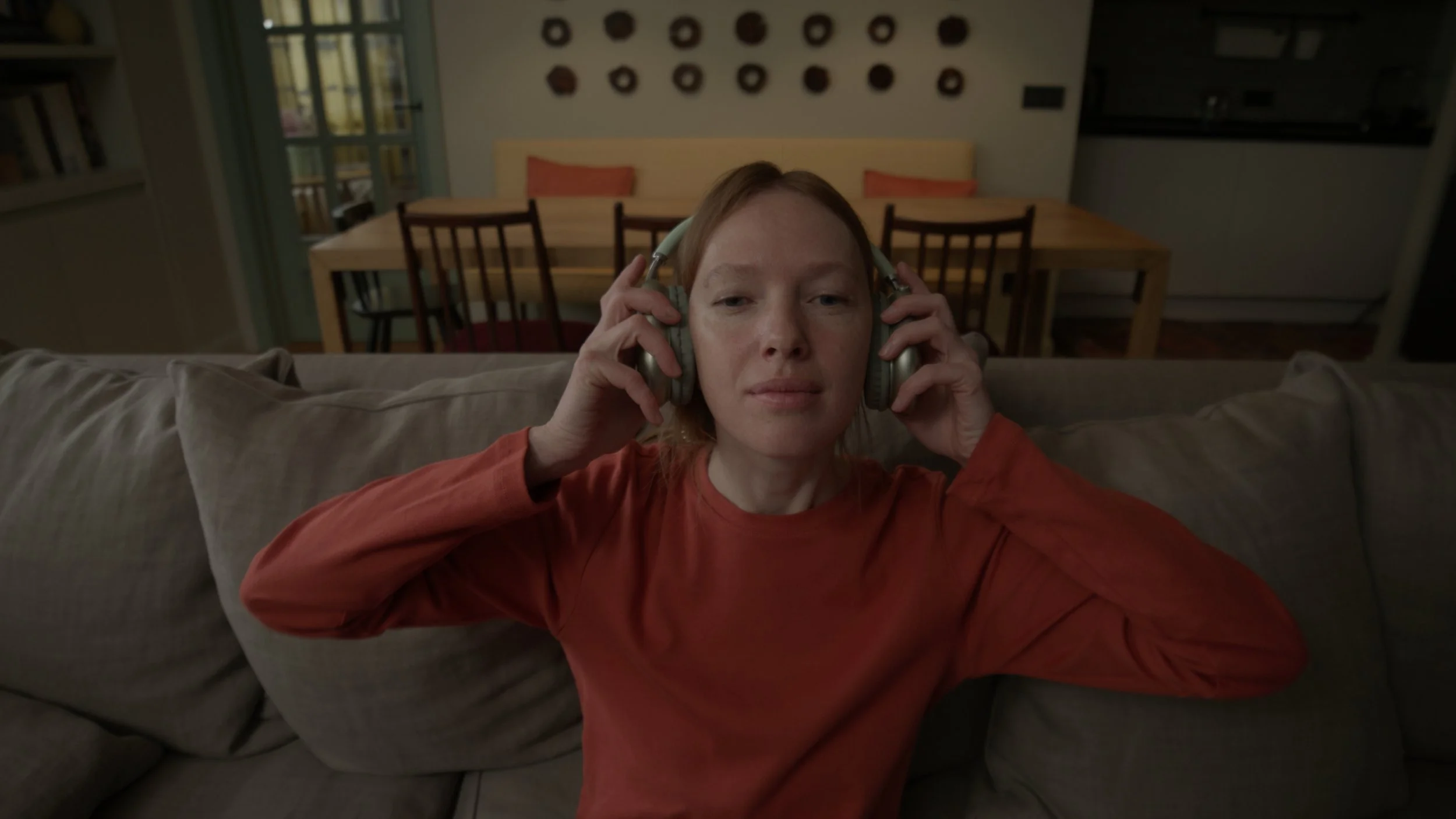
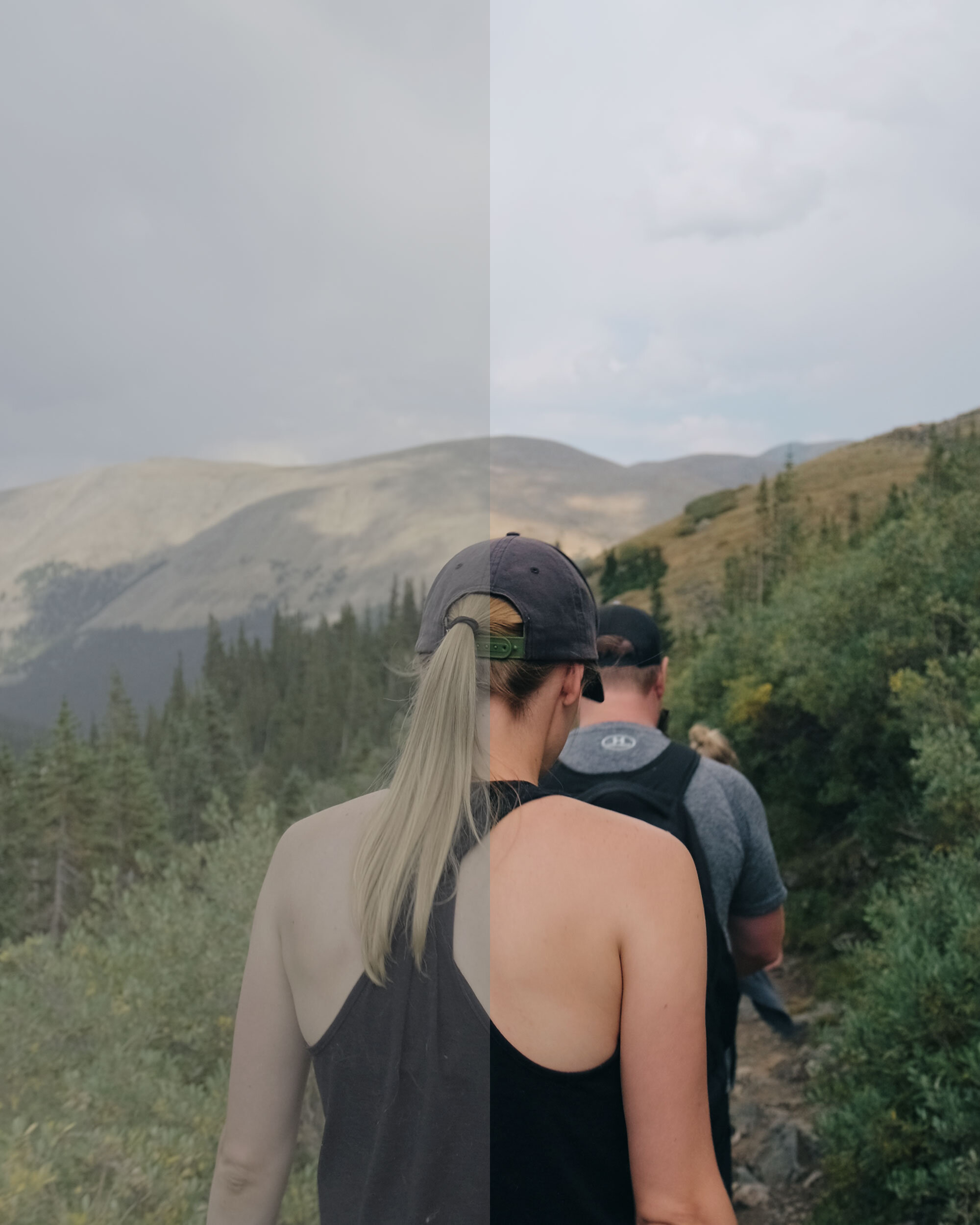
Before and After Color Adjustments